

How to Doodle a Calculator
How to Doodle a Calculator
Step 1

Begin your calculator doodle by drawing a rectangle in the middle of your page. Notice how the rectangle is slanted at a 45-degree angle.
Step 2

Let’s now add a 3-dimension effect to our rectangle using a combination of straight lines. Notice the angle of these lines in relation to each other.
Step 3

To add some buttons to your calculator doodle, draw 10 rectangles as shown within the example. These rectangles, of course, don’t need to be perfect. You don’t need to be perfect while doodling. This isn’t a drawing class. We just need to be perfect enough to get our message across. 🙂
Step 4

Let’s now add a 3-dimensional effect to our buttons as well. Use straight lines for this purpose as we did during step 2 of this process.
Step 5

Now add the finishing touches to your calculator doodle by adding some shading and color. Feel free to experiment with the color and with the numerical digits.





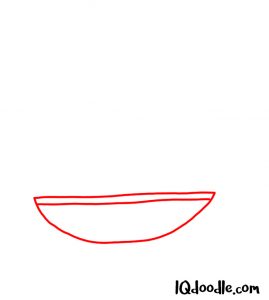
 Begin your fist doodle by drawing an arc shape that turns back on itself as shown within the example. Notice the curvature of your line. This shape you just created will become the thumb of your fist doodle.







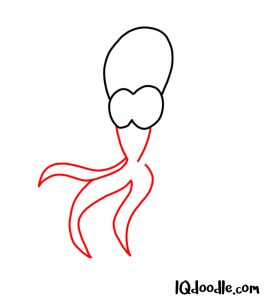


 Finalize your octopus doodle by drawing lines to create a shadow effect on the body. Then finish up by giving your octopus some color. Notice how the front tentacles are a lighter color than the tentacles at the back. This has been done on purpose. Feel free to experiment with this.


